
The best free AI art generators include DeepArt, Artbreeder, and DALL-E Mini, offering diverse styles and user-friendly interfaces for creative projects.
AI art generators have revolutionized digital creativity. These tools transform simple text prompts into stunning visuals in seconds. But with so many options available, which free generators deliver real value? We tested dozens to find the best.
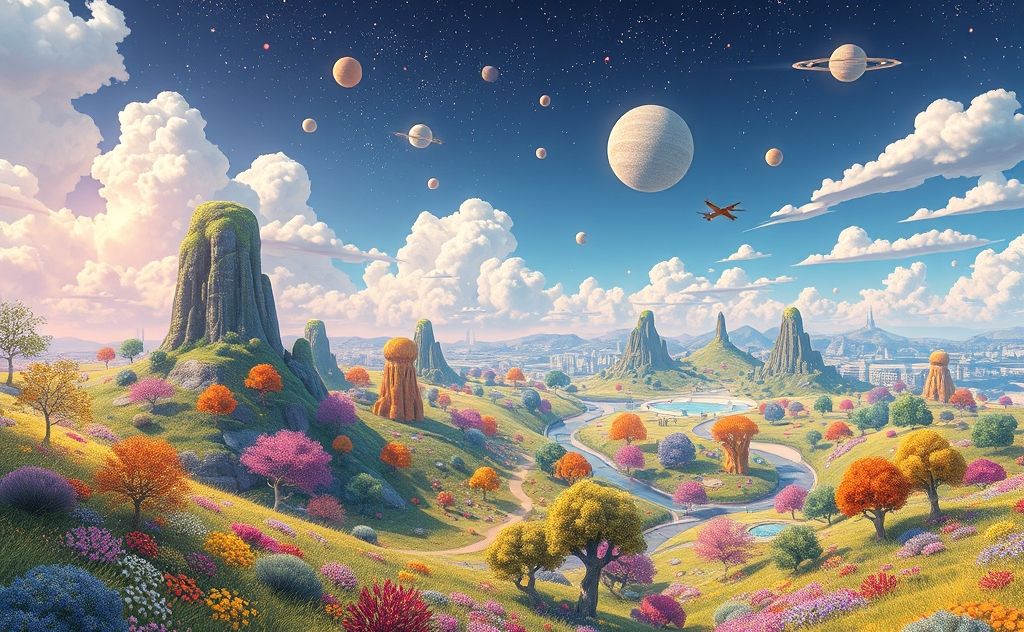
Why Use Free AI Art Generators?
Free AI art tools open creative possibilities for everyone. Students, designers, and marketers can experiment without financial risk. The best options offer:
- No credit card required
- Generous daily free credits
- Commercial usage rights
- Multiple art styles
For those needing more advanced features, our smart content generator offers premium capabilities at competitive prices.

The 6 Best Free AI Art Generators
1. Leonardo.Ai (Best for Realism)
Leonardo creates hyper-realistic images that rival professional photography. It excels at:
| Strengths | Limitations |
|---|---|
| 150 free tokens daily | No text generation |
| 8+ images per day | Basic editing tools |
Example prompt: “A cyberpunk cityscape at night with neon lights reflecting on wet pavement” produces magazine-quality results.
2. Deep Dream Generator
Google’s experimental tool creates surreal, dream-like images. It’s perfect for:
- Psychedelic artwork
- Abstract compositions
- Conceptual pieces
While not as polished as Leonardo, it offers unique styles you won’t find elsewhere. Deep Dream remains completely free with no credit limits.
3. DALL·E Mini (Now Craiyon)
This simplified version of OpenAI’s DALL·E provides:
- Instant generation
- No account required
- 9 image variations per prompt
Quality varies significantly, but it’s excellent for quick concept visualization. Pair it with our premium image generator for professional refinements.
4. Artbreeder (Best for Mixing Styles)
Artbreeder uses a unique “gene splicing” approach. Users can:
- Upload existing images
- Combine multiple art styles
- Adjust specific visual elements
The free version allows 5 generations per day. It’s ideal for creating character portraits or evolving artwork concepts.
5. Stable Diffusion Web
This open-source option provides:
- Complete creative control
- Advanced settings adjustment
- Commercial usage rights
The learning curve is steeper than other tools, but the results justify the effort. For easier alternatives, check our free AI tools collection.
6. Bing Image Creator (Powered by DALL·E 3)
Microsoft’s free offering stands out for:
| Feature | Benefit |
|---|---|
| DALL·E 3 technology | Superior prompt understanding |
| No daily limits | Unlimited generations |
Image quality competes with paid tools. The only drawback? A Microsoft account is required.
Pro Tips for Better AI Art
Prompt Engineering Secrets
Great prompts include:
- Specific art styles (“oil painting”, “vector art”)
- Lighting conditions (“golden hour”, “studio lighting”)
- Composition details (“centered”, “rule of thirds”)
Style Combinations That Work
Try mixing unexpected styles like:
- Cyberpunk + Watercolor
- Renaissance + Sci-fi
- Anime + Film Noir
These combinations often produce strikingly original results. For more creative inspiration, explore Lexica’s prompt database.
Commercial Use Considerations
Always check:
- License terms for each generator
- Attribution requirements
- Content restrictions
Most free tools allow commercial use, but some prohibit certain subjects. When in doubt, upgrade to professional tools with clear usage rights.