
AI free picture generators allow users to create unique images using artificial intelligence, often with customizable styles and themes for various projects.
AI-powered picture generators have revolutionized digital creativity. These tools transform text descriptions into high-quality images in seconds. Whether you need artwork for social media, presentations, or personal projects, free AI generators deliver professional results without design skills.
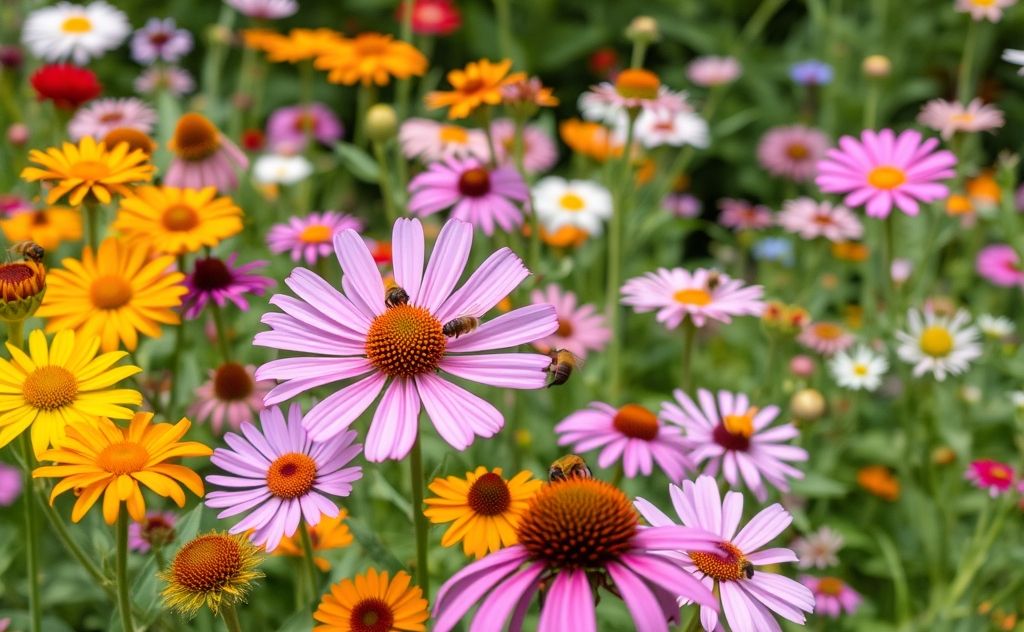
Top Free AI Image Generators Compared
Several platforms offer free AI image generation with unique features. Here’s how the leading options compare:
| Tool | Key Features | Style Options | Commercial Use |
|---|---|---|---|
| DeepAI | No sign-up, API access, multiple styles | Photorealistic to abstract | Yes |
| Microsoft Designer | DALL-E 3 powered, high resolution | Wide artistic range | Yes |
| Adobe Firefly | 4 variations per prompt, style controls | Professional art styles | With limitations |
DeepAI: The No-Frills Generator
DeepAI offers instant generation without registration. Their tool has operated since 2016, making it one of the oldest AI image services. Key benefits include:
- Generate images directly in your browser
- Keep full rights to all creations
- Simple REST API for developers
For those needing more creative tools, check our smart content generator for comprehensive solutions.
Microsoft Designer with DALL-E 3
Microsoft’s free tool leverages OpenAI’s powerful DALL-E 3 model. It excels at:
- Understanding complex prompts
- Producing highly detailed images
- Maintaining contextual accuracy
Users report better results when including specific art terms like “oil painting” or “vector illustration.”
Adobe Firefly for Professional Results
Adobe’s AI generator stands out for creative professionals. Notable features:
- Generates four variations per prompt
- Advanced style controls
- Integration with Adobe Creative Cloud
Their Firefly platform uses ethically-sourced training data, addressing copyright concerns.

How to Get the Best Results
Quality AI images require strategic prompting. Follow these techniques:
Crafting Effective Prompts
Detailed descriptions yield better results. Include:
- Main subject and action
- Art style (realistic, cartoon, etc.)
- Color palette and lighting
- Mood or atmosphere
Example: “A cyberpunk city street at night with neon signs reflecting on wet pavement, digital painting style, vibrant colors.”
Style Selection Tips
Most generators offer style presets. Consider:
- Photorealistic for product mockups
- Watercolor for artistic projects
- Minimalist for clean designs
Our AI image generator guide provides more style recommendations.
Commercial Use Considerations
Most free generators allow commercial use, but with limitations:
- DeepAI: Full commercial rights
- Microsoft: Attribution required
- Adobe: Watermarked on free tier
For professional projects, review each platform’s terms. DeepAI’s policy is among the most permissive.
Advanced Techniques
Experienced users can achieve better results with these methods:
Prompt Chaining
Generate an initial image, then refine with follow-up prompts. Works well for complex concepts.
Negative Prompting
Some tools let you specify unwanted elements. Example: “no text, no people” for clean backgrounds.
Image-to-Image
Upload a base image for the AI to modify. Available in premium versions of most generators.
For video projects, explore our free AI video generator tools.
Future of AI Image Generation
The technology continues evolving rapidly. Expect improvements in:
- Resolution and detail quality
- Consistency across generations
- Style transfer capabilities
Current tools already offer remarkable creative potential for anyone needing visual content quickly and affordably.