
Discover free AI image generators like DALL-E, DeepAI, and Artbreeder, enabling you to create stunning images effortlessly and without cost.
AI image generators have revolutionized digital art creation. These powerful tools transform text prompts into visual masterpieces, offering endless creative possibilities for designers, marketers, and content creators. With options ranging from photorealistic renders to abstract compositions, free AI image generators make professional-quality visuals accessible to everyone.
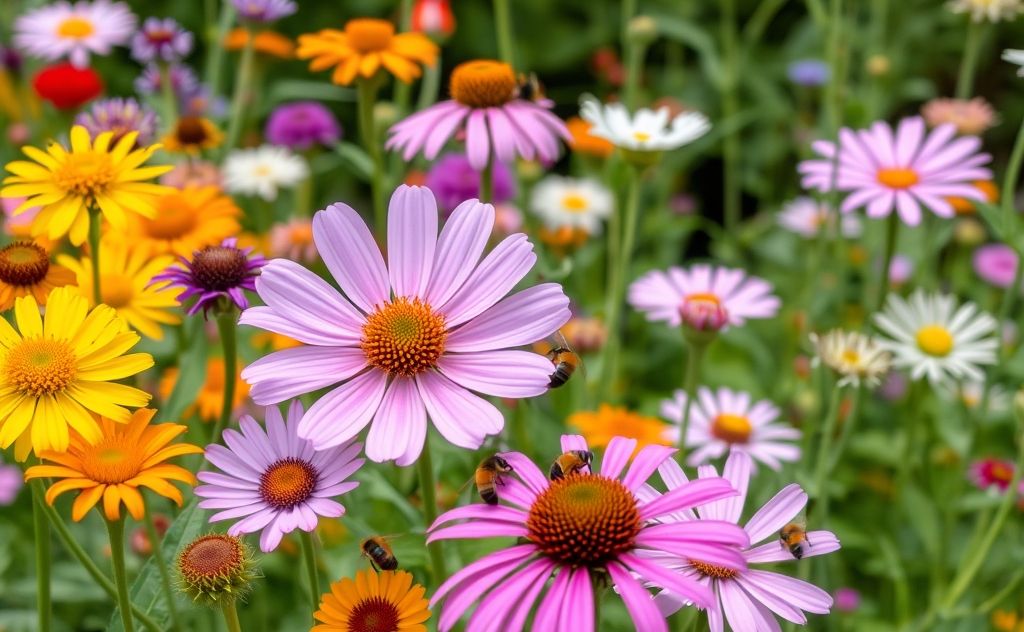
Top Free AI Image Generators Compared
Several leading platforms offer free AI image generation with unique features and capabilities. Let’s examine the top contenders:
DeepAI Text-to-Image Generator
One of the pioneers in AI art generation, DeepAI provides a straightforward interface for creating images from text descriptions. Key features include:
- No account required for basic generation
- Multiple art style options (realistic, anime, surreal)
- Commercial use allowed for generated images
- Simple API for developers
Adobe Firefly
Adobe’s entry into AI art generation offers tight integration with Creative Cloud applications. Notable aspects include:
- Generates four image variations per prompt
- Style transfer and composition controls
- Ethically trained on Adobe Stock and public domain content
- Seamless workflow with Photoshop and other Adobe tools
For those interested in other creative AI tools, explore our smart content generator for text-based AI assistance.
Microsoft Designer with DALL-E
Microsoft’s solution leverages OpenAI’s DALL-E technology for high-quality image generation:
- Free unlimited generation with Microsoft account
- High-resolution outputs with fine detail
- Integration with Microsoft 365 apps
- User-friendly interface for beginners

How to Get the Best Results from AI Image Generators
Creating compelling AI-generated images requires more than just typing random words. Follow these professional techniques:
Crafting Effective Prompts
The quality of your input directly affects the output. Consider these elements when writing prompts:
| Element | Example | Effect |
|---|---|---|
| Subject | “A cyberpunk cat wearing neon goggles” | Defines primary focus |
| Style | “in the style of Van Gogh” | Controls artistic treatment |
| Lighting | “dramatic side lighting” | Sets mood and depth |
Advanced Prompt Engineering
For more control over results, try these techniques:
- Use weight modifiers: “A cat (70%) and dog (30%) playing”
- Specify camera angles: “low-angle shot of a skyscraper”
- Include artistic mediums: “watercolor painting of a forest”
For creating AI-generated videos from these images, check out our free AI video generator tool.
Commercial Use and Copyright Considerations
Understanding the legal landscape is crucial when using AI-generated images professionally:
Usage Rights Across Platforms
Policies vary significantly between generators:
- DeepAI: Considers images public domain
- Adobe Firefly: Allows commercial use with some restrictions
- Microsoft Designer: Permits commercial use with attribution
Emerging Legal Standards
The copyright status of AI-generated art remains fluid. Recent U.S. Copyright Office guidance suggests minimal human authorship protection. The EU’s approach differs slightly, creating a complex international landscape.
Creative Applications for AI-Generated Images
These tools unlock new possibilities across industries:
Marketing and Advertising
Create on-brand visuals quickly for campaigns. Generate product mockups, social media assets, and presentation graphics without expensive photoshoots.
Concept Development
Architects and designers can visualize ideas rapidly. Generate multiple variations of a concept to explore creative directions.
Content Creation
Bloggers and publishers can create custom illustrations. Pair with our AI writing assistant for complete content production.
Technical Limitations and Workarounds
While impressive, current AI image generators have constraints:
Resolution and Quality
Most free tools output images at 1024×1024 pixels or lower. For print applications, consider:
- AI upscaling tools like Topaz Gigapixel
- Vector conversion for scalability
- Manual touch-ups in photo editors
Consistency Challenges
Maintaining character or style consistency across multiple images remains difficult. Solutions include:
- Using seed values when available
- Creating style guides with reference images
- Manual editing in post-production
The Future of AI Image Generation
Emerging trends suggest several developments:
- Higher resolution outputs becoming standard
- Improved prompt understanding through LLM integration
- Real-time collaborative generation features
- Tighter integration with design software