
Explore free AI drawing apps like DeepArt and DoodleMaker to unleash your creativity and transform photos into stunning artworks effortlessly.
AI-powered drawing apps have revolutionized digital art creation. These tools let anyone generate professional artwork with just text prompts. No artistic skills required. The best part? Many offer free tiers so you can explore AI art without spending money.

Top Free AI Drawing Apps Compared
We tested the leading free AI art generators to help you choose the right one. Each has unique strengths for different creative needs.
1. StarryAI – Best for Daily Free Generations
StarryAI stands out with its generous free plan. You get 25 watermark-free artworks daily. The interface makes AI art creation simple:
- Choose from 4 generation methods (Art, Photos, Illustrations, Custom)
- Select styles like CyberPunk or Portraits
- Input text prompts or use their Prompt Builder
Users love StarryAI’s stability and intuitive design. One reviewer calls it “the OG of AI Art apps.” The Pro version removes limits but the free tier works great for casual use.
2. Magic Studio – Best for Professional Headshots
Magic Studio specializes in transforming selfies into pro headshots. Perfect for LinkedIn profiles or business websites. Key features:
- Simple text-to-art conversion
- Advanced interpretation of emotional cues in prompts
- Commercial use rights for generated art
Their AI understands nuanced descriptions to create truly personalized artwork. For more creative tools, check out our free AI tools collection.
3. OpenArt – Best for Custom Model Training
OpenArt offers unique flexibility for advanced users:
| Feature | Details |
|---|---|
| Free Plan | 4 parallel generations, daily credits |
| Custom Models | Train your own AI art models |
| Community | Active Discord for collaboration |
Their Stable Diffusion XL model creates 512×512 pixel images. New users get bonus credits to test premium features.
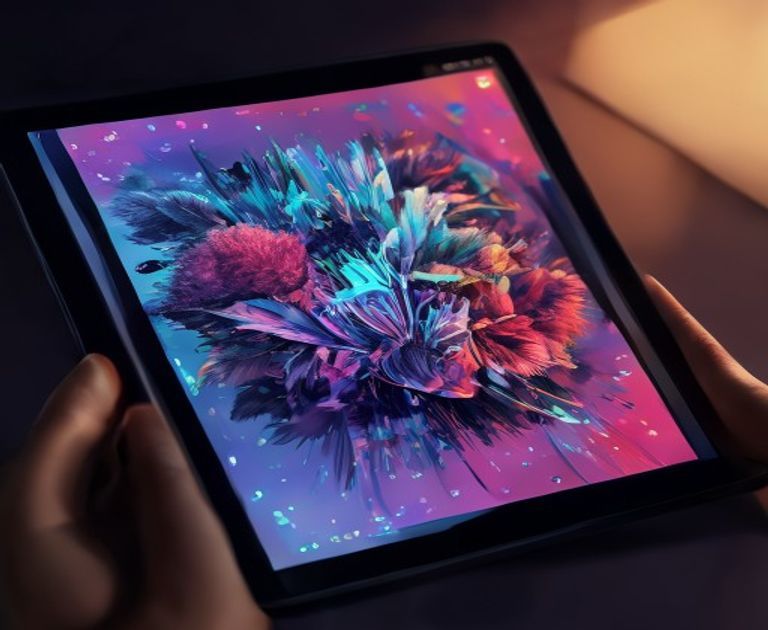
How AI Drawing Apps Work
These apps use neural networks trained on millions of images. When you enter a prompt:
- The AI analyzes your text
- Matches concepts to visual patterns
- Generates completely new compositions
Unlike traditional art tools, you guide the process with words rather than brushes. For text-based AI tools, see our smart content generator.
Copyright Considerations
Most apps grant full rights to your creations. StarryAI confirms: “Your AI-generated art belongs to you.” Always check the terms, but generally you can:
- Print artworks
- Use in social media
- Sell creations (check commercial policies)
Advanced Tips for Better AI Art
Get professional results with these techniques:
Prompt Engineering
Detailed prompts yield better art. Instead of “dog,” try:
“Golden retriever puppy playing in autumn leaves, soft morning light, detailed fur texture, photorealistic style”
Style Combinations
Mix styles for unique effects. Try “watercolor cyberpunk” or “oil painting futuristic cityscape.”
Iterative Refinement
Generate multiple versions and refine the best one. Most apps let you rerun prompts with slight variations.
For more creative possibilities, explore our AI image generator tools that offer additional customization options.
Future of AI Art Apps
The technology keeps improving rapidly. Expect:
- Higher resolution outputs
- Better prompt understanding
- More control over composition
- Integration with traditional art software
As noted on Magic Studio, we’re just beginning to see AI’s creative potential. The StarryAI team continues adding new styles and features monthly.
Whether you need quick illustrations or want to explore digital art, these free AI drawing apps offer powerful creative tools. The best way to learn? Start experimenting today with any of these accessible platforms.