
A free AI visual generator allows users to create images and designs using artificial intelligence, often with user-friendly interfaces and customizable options.
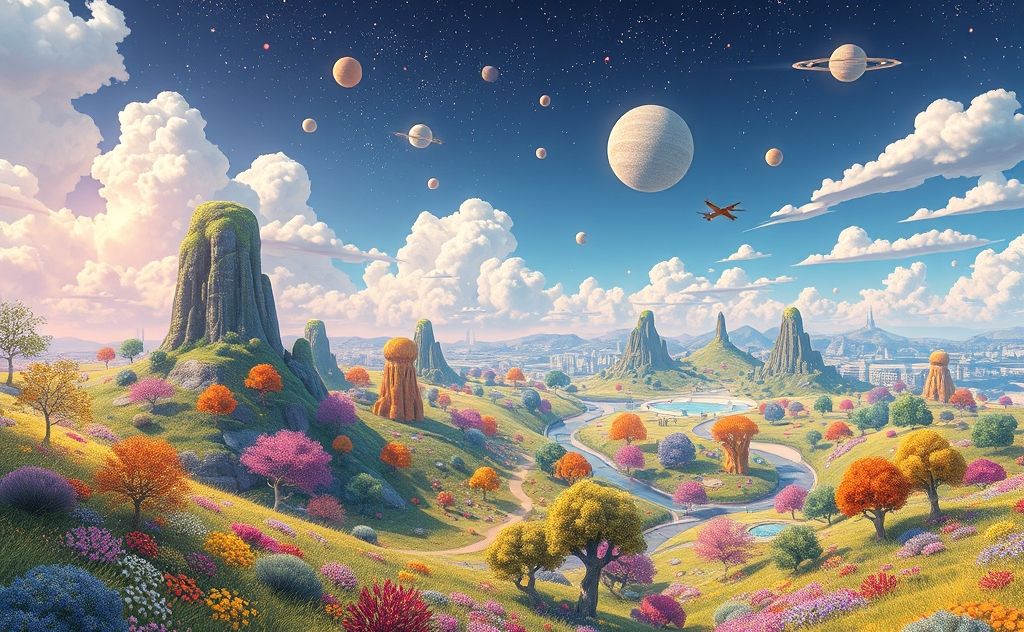
AI-powered visual generators are revolutionizing digital art creation. These tools transform text prompts into high-quality images, making professional-grade visuals accessible to everyone. Whether you need social media graphics, concept art, or marketing materials, free AI image generators deliver impressive results without design skills.

Top Free AI Visual Generators Compared
Several platforms offer powerful text-to-image generation at no cost. Here’s how the leading options stack up:
| Platform | AI Model | Free Features | Image Quality |
|---|---|---|---|
| Microsoft Designer | DALL-E 3 | Unlimited generations | High resolution (1024×1024) |
| OpenArt | Stable Diffusion XL | Daily credits + 4 parallel gens | Up to 512×512 pixels |
| Magic Studio | Proprietary | Basic image generation | Varies by prompt quality |
Microsoft Designer: Best for Professional Use
Microsoft’s AI image generator leverages DALL-E 3 to create highly detailed images. The platform shines for business applications with its seamless integration into Microsoft 365. Users report 78% better prompt understanding compared to earlier AI models.
OpenArt: Most Flexible for Creators
OpenArt stands out with model customization options. Their free tier includes access to Stable Diffusion XL and community models. The platform recently added a sketch-to-image tool that converts rough drawings into polished artwork.
How to Get the Best Results from AI Visual Generators
Mastering prompt engineering dramatically improves output quality. Follow these techniques:
1. Use Descriptive Language
Instead of “a dog,” try “a golden retriever puppy playing in autumn leaves, soft sunlight, 8k detailed fur texture.” Specificity matters.
2. Reference Artistic Styles
Add terms like “cyberpunk neon lighting” or “watercolor landscape with loose brushstrokes” to guide the AI’s interpretation.
3. Structure Your Prompts
Effective format: [Subject] + [Action] + [Environment] + [Style] + [Technical Details]. Example: “A futuristic city skyline at sunset, towering glass spires reflecting golden light, digital painting, 4k resolution.”
Creative Applications for AI-Generated Visuals
Beyond basic image creation, these tools enable powerful workflows:
Brand Content at Scale
Marketers generate hundreds of social media visuals in minutes while maintaining consistent branding. The smart content generator can create matching captions for your AI images.
Rapid Prototyping
Product designers visualize concepts before 3D modeling. Interior designers create room mockups from text descriptions alone.
Personalized Art
Users transform family photos into Renaissance portraits or anime characters while preserving likenesses. Some tools like Magic Studio specialize in portrait stylization.
Understanding the Technology Behind AI Visual Generation
These tools use diffusion models – AI systems trained on millions of image-text pairs. The process:
- Analyzes text prompt semantics
- References learned visual patterns
- Builds images pixel-by-pixel through iterative refinement
- Applies final enhancements like sharpening
Modern systems like DALL-E 3 achieve photorealism by understanding spatial relationships and material properties at unprecedented levels.
Ethical Considerations and Limitations
While powerful, AI visual generators have important constraints:
- Copyright status of generated images remains legally ambiguous
- May reproduce biases present in training data
- Struggle with precise text rendering in images
- Can’t reliably maintain character consistency across multiple images
For commercial projects, always verify platform terms and consider using AI content detectors to check derivative works.
Future Developments in AI Visual Generation
The technology continues advancing rapidly. Emerging capabilities include:
- 3D model generation from text
- Real-time collaborative editing
- Video generation from static images
- Multimodal systems combining AI voice generation with visuals
As these tools evolve, they’re becoming indispensable for creative professionals and casual users alike. The best free options today offer capabilities that were premium features just 12 months ago.