
Explore top free AI image generators like DALL-E Mini and DeepAI for creating stunning visuals effortlessly and without cost.
AI image generators have revolutionized digital art creation. This guide compares the top free options based on hands-on testing, quality, and features. Whether you need concept art, marketing visuals, or creative inspiration, these tools deliver professional results without cost.
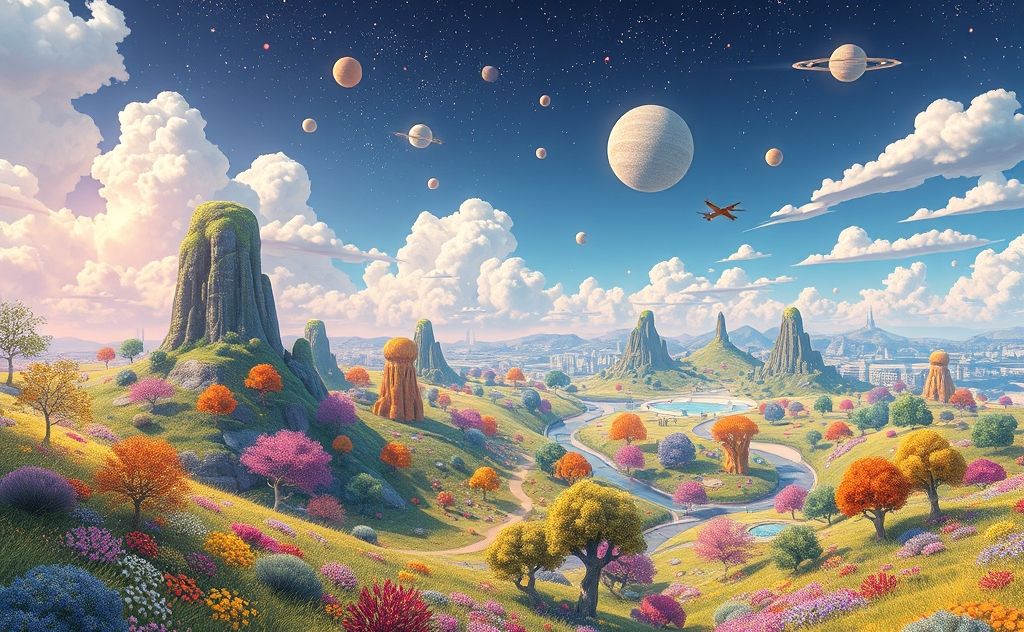
Top Free AI Image Generators in 2025
After generating hundreds of images across platforms, these seven tools stood out for quality and usability:
1. Canva AI Image Generator
Canva’s free tier offers 50 lifetime credits with no watermarks. While limited to three aspect ratios, it produces clean results ideal for social media and branding. Pro tip: Combine with smart content tools for complete marketing assets.
2. Deep Dream Generator
This Google-developed tool creates surreal, dreamlike images. Unlike newer generators, it modifies existing images rather than creating from scratch. Best for artistic experimentation.
3. Artbreeder
Specializes in portrait and landscape generation through genetic algorithms. Free users get limited daily credits but can create stunning hybrid images by “breeding” different styles.
4. DALL·E Mini (Now Craiyon)
The free alternative to OpenAI’s DALL·E offers unlimited generations. While quality varies, it handles abstract concepts well. Expect 1-2 minute wait times per image.
5. DeepAI
No account needed to start generating. As noted on their site: “Don’t expect photorealism – you’d need a really big AI for that.” Best for quick concept sketches.
6. Stable Diffusion Web
The open-source favorite now has free web versions. Offers granular control over styles and compositions. Pair with an AI content detector to check originality.
7. NightCafe Creator
Uses multiple AI models (including Stable Diffusion). Free daily credits and a vibrant community for inspiration. Great for exploring different artistic styles.
Key Features Comparison
| Tool | Free Credits | Generation Speed | Best For |
|---|---|---|---|
| Canva | 50 lifetime | Instant | Marketing materials |
| DALL·E Mini | Unlimited | 1-2 minutes | Abstract concepts |
| DeepAI | Unlimited | 30 seconds | Quick sketches |
Pro Tips for Better AI Images
Prompt Engineering
Detailed prompts yield better results. Instead of “cat,” try “fluffy gray tabby cat with green eyes sitting by a window, soft morning light, photorealistic style.”
Style Modifiers
Add terms like:
- “Cinematic lighting” for dramatic shots
- “Watercolor texture” for painterly effects
- “Isometric perspective” for game assets
Negative Prompts
Some tools let you exclude elements. For a clean portrait, add “no background, no text, no extra limbs.”
Commercial Use Considerations
Most free generators allow commercial use, but check each platform’s terms. For professional projects, consider upgrading to paid tools like DeepAI’s pro plans for higher resolution outputs.
Beyond Static Images
Once you’ve mastered AI images, explore AI video generation to bring your creations to life. Many principles of prompt engineering carry over between mediums.
The Future of AI Art
As noted by UX Magazine’s testing, quality improves monthly. Today’s free tools outperform paid options from just a year ago. While limitations exist, these generators empower anyone to visualize ideas that previously required professional skills.